2026 Lifeline eSIM Guide, Editor-reviewed

Free eSIM for Lifeline users in 2026.

Skip the plastic SIM. Get a fully activated Lifeline plan on your existing iPhone or Android in about 15 minutes, once the National Verifier approves you.

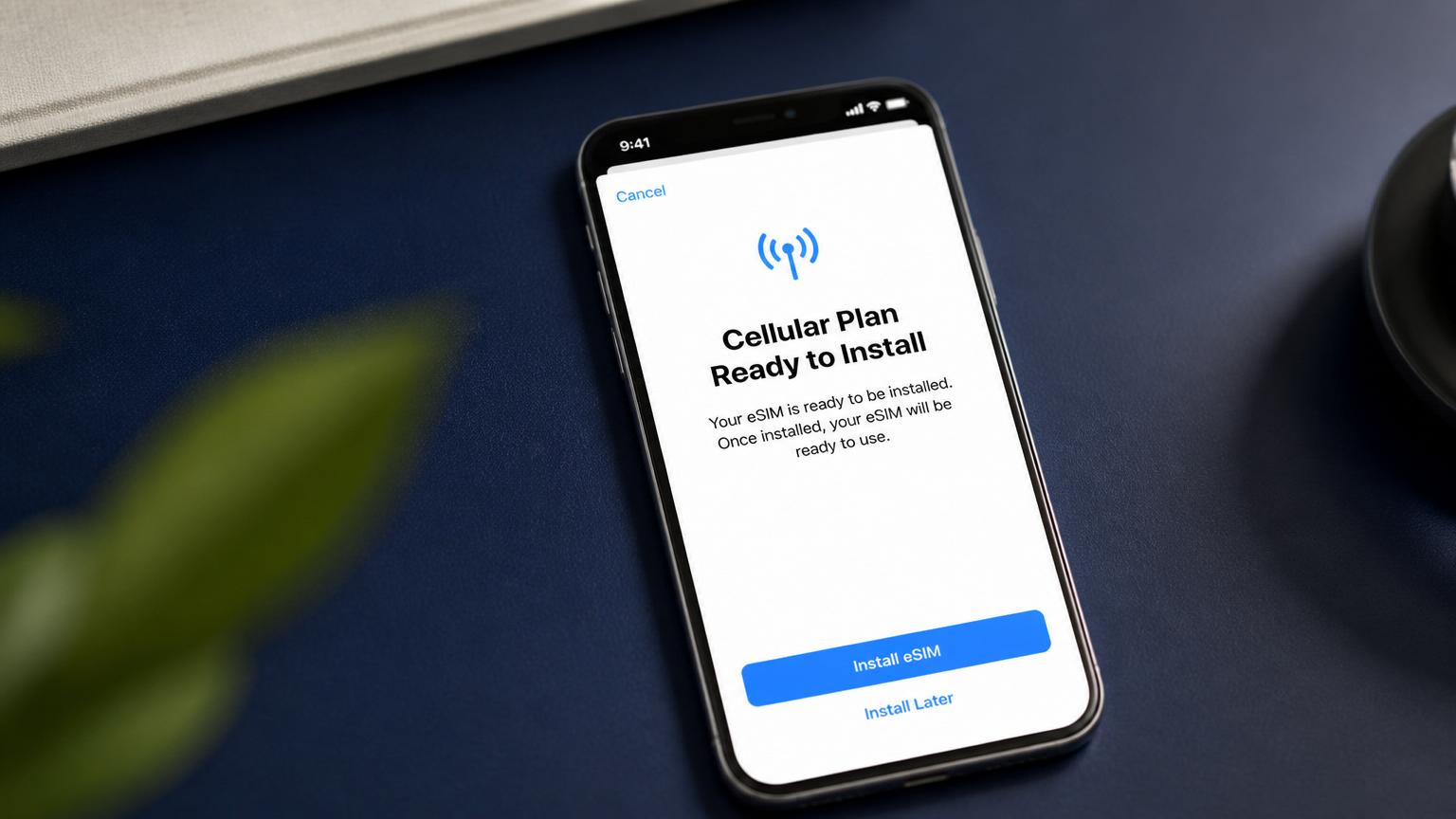
iPhone displaying an eSIM activation screen on a navy desk

Compliance note. Lifeline Free iPhone is an independent editorial guide, not a government agency and not a wireless carrier. The Affordable Connectivity Program (ACP) ended June 1, 2024. Lifeline remains active. All eSIM benefits are provided by authorized Lifeline carriers.

Reality check

What free Lifeline eSIM actually means in 2026

Before you spend an hour applying, know exactly what you are getting.

  • You can get a free eSIM through Lifeline in 2026

    Yes. Several Lifeline providers activate service on an eSIM instead of shipping a physical SIM card.

  • ACP still pays for your eSIM data

    No. The Affordable Connectivity Program ended in June 2024. Only Lifeline is active in 2026.

  • You can keep your current iPhone and just add the free eSIM

    Yes, if your device is unlocked and eSIM compatible. This is called Bring Your Own Device (BYOD).

  • eSIM means unlimited high-speed data for free

    No. Lifeline plans have monthly caps set by each provider; eSIM only changes how the SIM is delivered.

Provider directory

Lifeline providers offering free eSIM in 2026

Availability varies by state and ZIP. Confirm eSIM support during enrollment.

TruConnect

eSIM support
Yes, on eligible iPhone and Android models in most states.
Plan
Unlimited talk and text, monthly data at Lifeline levels, hotspot on select devices.
Editor note
Fastest eSIM turnaround in our 2026 provider survey; QR arrives by email within 24 hours of approval.

AirTalk Wireless

eSIM support
Yes, on iPhone XS and newer once identity is verified.
Plan
Free monthly talk, text, and data with 5G access where the underlying network supports it.
Editor note
Sends both physical SIM and eSIM QR; pick whichever your device supports.

Assurance Wireless

eSIM support
Limited: eSIM offered on approved BYOD devices in most T-Mobile coverage areas.
Plan
Standard Lifeline monthly plan; unlimited talk and text plus a data allotment.
Editor note
Physical SIM remains the default; ask support to switch you to eSIM after approval.

SafeLink Wireless

eSIM support
Yes on newer iPhones and Pixel devices in most Verizon markets.
Plan
Free monthly minutes, texts, and data; upgrade options at low cost.
Editor note
eSIM available for BYOD after National Verifier approval clears.

Cintex Wireless

eSIM support
Yes on select iPhone and Samsung models.
Plan
Free Lifeline plan with unlimited talk and text.
Editor note
Delivers eSIM activation by email in most states, physical SIM in others.

Step by step

How to activate a free Lifeline eSIM

Total time: about 15 minutes on the device, plus 24 to 72 hours of provider processing.

Smartphone next to an eSIM activation QR code card
  1. 1

    Confirm your device supports eSIM

    iPhone XS, XR, and newer support eSIM. Most Google Pixel 3 and newer, Samsung Galaxy S20 and newer, and Motorola razr models also work. On iPhone, open Settings, then General, then About and scroll to Available SIM to check.

  2. 2

    Get approved through the National Verifier

    Apply at checklifeline.org using SNAP, Medicaid, SSI, WIC, Veterans Pension, Federal Public Housing, Tribal programs, or income at or below 135% of the federal poverty guidelines.

  3. 3

    Pick a Lifeline provider that offers eSIM

    Choose from TruConnect, AirTalk, Assurance, SafeLink, or Cintex based on coverage in your ZIP. Confirm during enrollment that you want eSIM, not a physical SIM.

  4. 4

    Receive your eSIM QR code

    The provider emails a QR code within 24 to 72 hours of approval. Some providers also text an activation code so you can install directly from your phone.

  5. 5

    Install the eSIM on your device

    On iPhone: Settings, Cellular, Add eSIM, Use QR Code. Point the camera at the QR from another screen or upload the image. Follow the prompts and label the line Lifeline.

  6. 6

    Set the Lifeline eSIM as your data line

    In Settings, Cellular, choose the Lifeline line for Cellular Data. Keep your existing number active on the physical SIM if you have Dual SIM, or transfer your number if you are switching over.

Device compatibility

Phones that work with a Lifeline eSIM

iPhone XS and newer

Including SE (2nd gen), 11, 12, 13, 14, 15, 16, and 17. US iPhone 14 and later are eSIM only.

Google Pixel 3 and newer

Full eSIM support on unlocked Pixels; carrier-locked Pixels need to be unlocked first.

Samsung Galaxy S20 and newer

Includes S20, S21, S22, S23, S24, S25, plus recent Fold and Flip models.

FAQ

Free Lifeline eSIM questions, answered

Is a free eSIM the same as a free phone?

No. An eSIM is only the SIM card, delivered digitally. To get a free eSIM plan you still need Lifeline approval, and to get a free device you need a Lifeline provider that offers a free phone with your enrollment.

Does eSIM work on all iPhones?

eSIM works on iPhone XS, XR, and every model after them. iPhone 14 and later sold in the United States are eSIM-only, which makes them a natural fit for Lifeline eSIM plans.

Can I keep my current phone number?

Yes. Ask your new Lifeline provider to port in your number during enrollment. Keep the old line active until the port completes, then remove or archive the old SIM.

How long does eSIM activation take after approval?

Most Lifeline providers deliver the QR code within 24 to 72 hours after the National Verifier match. Actual activation on the device takes about 5 minutes.

Is the Affordable Connectivity Program still funding eSIMs?

No. ACP funding ended in June 2024. Any site claiming ACP still pays for a free eSIM in 2026 is out of date or misleading. Only Lifeline is active.

Can I have Lifeline eSIM and a paid line on the same phone?

Yes. Modern iPhones and most 2020-and-newer Android phones support Dual SIM with one physical SIM and one eSIM, or two eSIMs. Set the Lifeline line as your data line and keep your paid line for voice or backup.

What if my provider only ships a physical SIM?

Ask support to switch you to eSIM after enrollment. If they refuse and your device is eSIM-only, transfer your Lifeline benefit to a provider that supports eSIM. One benefit per household still applies.

Mon–Fri · 9am–6pm ET

Not sure if you qualify? Talk to a real editor.

Our U.S.-based editorial desk helps you read the Lifeline rules, pick the right provider, and avoid the scam sites. Free, no signup, no data sold. Start from our free government iPhone hub.