Free Phones for Seniors: Lifeline, Medicaid, SSI and iPhone Options
Seniors may qualify for free or discounted phone service through Lifeline if they receive Medicaid, SSI, SNAP/EBT, certain veterans benefits, housing assistance, or meet income limits. Some providers may offer smartphones, but an iPhone is not guaranteed.
Most Lifeline phone offers depend on provider availability, ZIP code, current inventory, device condition, and plan terms. Many seniors may receive an Android phone, SIM card, eSIM plan, or service discount instead of an iPhone.
Can seniors really get a free iPhone through Lifeline?
Possibly, but it is not guaranteed. Lifeline mainly helps eligible seniors lower the cost of phone or internet service. A provider may offer a smartphone, refurbished iPhone, Android phone, SIM card, or service-only benefit depending on current availability.
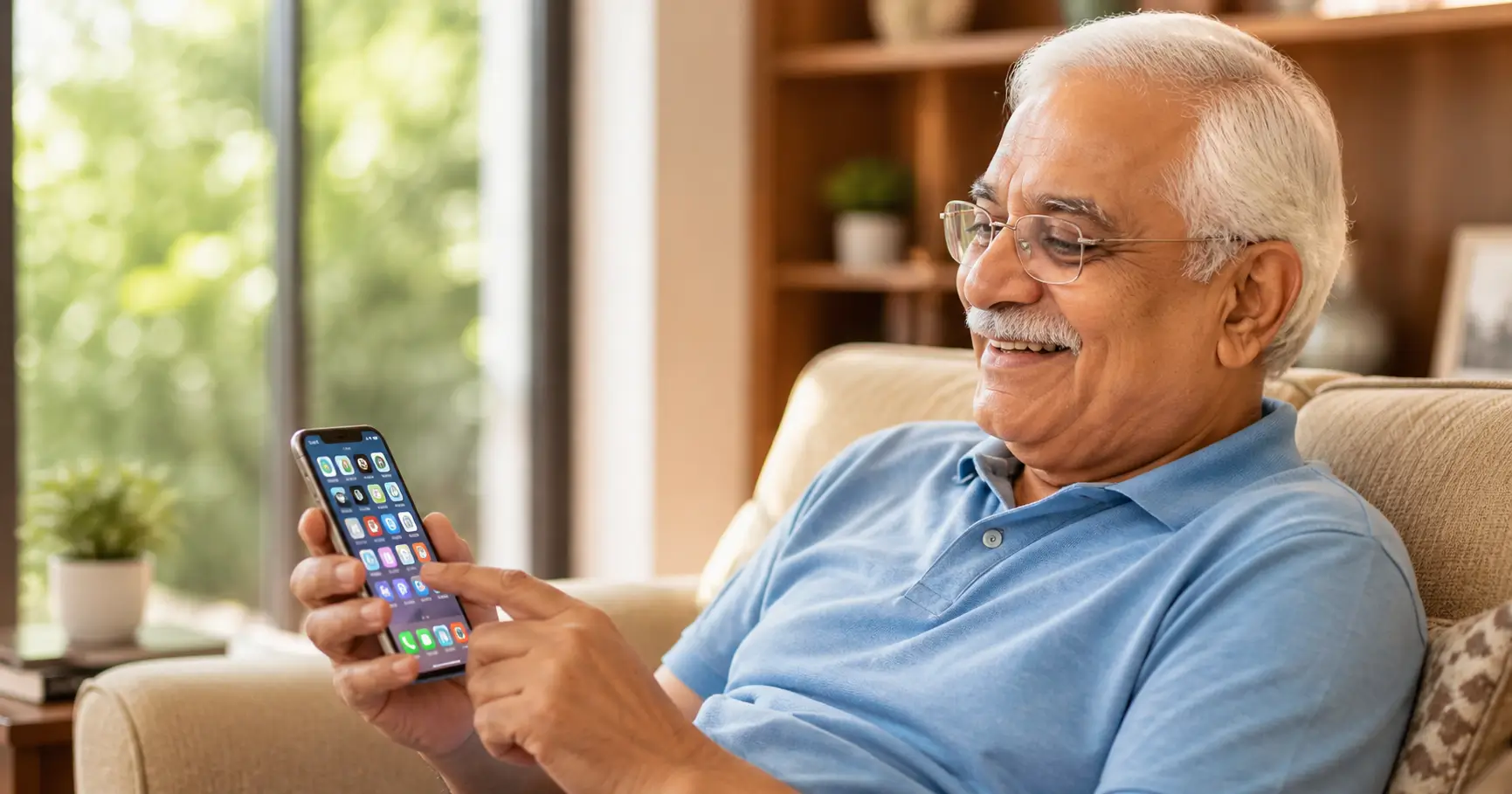
Senior Eligibility at a Glance
A senior may qualify for Lifeline phone service if one of these eligibility routes applies:
- Medicaid Enrollment
- Supplemental Security Income (SSI)
- SNAP / EBT Benefits
- Veterans Pension or Survivors Pension
- Federal Public Housing
- Income-Based. Household income at or below 135% of the Federal Poverty Guidelines.
Important note for seniors.
Social Security retirement (RSDI) does not automatically qualify you for Lifeline. SSI is a separate program. If retirement income is all you get, you'll need to qualify through the income test or through another program.
The Lifeline Program: The Main Path for Seniors
Lifeline is the main federal benefit for staying connected. It's overseen by the FCC and run by USAC.
- Benefits. Lifeline can reduce monthly phone or internet service costs. Talk, text, data, hotspot, and device offers vary by provider and state.
- Discounts. Lifeline can provide up to $9.25 per month toward eligible service, or up to $34.25 per month for qualifying Tribal households.
- Contact. Call the Lifeline Support Center at +1 (800) 234-9473.
Check State and ZIP Code Rules
Lifeline is available nationwide, but provider availability, application steps, device options, and state-specific rules can vary. Seniors should check their ZIP code before choosing a provider.
For local help, seniors can call the Lifeline Support Center, visit a public library, contact a senior center, or ask a trusted family member to help review provider terms.
Assistance Programs for Seniors
Beyond the federal service discount, several organizations focus on closing the digital divide for older adults.
Senior Planet (powered by OATS, an AARP affiliate)
Senior Planet helps older adults use technology safely. They do not provide Lifeline approval or ship free iPhones, but their training can help seniors understand phones, apps, privacy, and online safety.
Benefits. Free tech support hotlines, classes on iPhone accessibility features, and digital safety training.
Contact. Senior Planet Tech Hotline at +1 (888) 713-3495.
Cyber-Seniors
A non-profit that pairs older adults with student volunteers for free one-on-one tech help by phone or video.
Benefits. Free tutorials in English, Spanish, and French. Group Zoom sessions and individual support for iPhone setup.
Contact. +1 (844) 217-3057 or visit cyberseniors.org.
Area Agencies on Aging (AAA)
Local Area Agencies on Aging may connect seniors with benefit help, digital support, local resources, or trusted referrals. Device programs vary by location and are not guaranteed.
Offers. Some local branches give out refurbished iPhones or tablets to homebound seniors for telehealth, plus help them fill out Lifeline forms.
How to find. Call Eldercare Locator at +1 (800) 677-1116 or dial 211 for local programs.
Senior-Friendly Lifeline Providers to Compare
These providers are worth comparing for senior phone service, but phone models and iPhone availability can change by ZIP code, stock, and current terms.
| Provider | Possible Device Type | Senior-Friendly Features | Contact Number |
|---|---|---|---|
| AirTalk Wireless | Refurbished iPhone or Android may be available | Simple online app, free shipping | +1 (855) 924-7825 |
| Cintex Wireless | Older smartphone offers may vary | Unlimited talk/text bundles | +1 (855) 655-3097 |
| NewPhone Wireless | BYOD or smartphone options may vary | BYOD options, multi-network | +1 (855) 204-3667 |
| SafeLink Wireless | Mostly Android or BYOD options | Strong rural coverage | +1 (800) 723-3546 |
| TruConnect | Mostly Android or SIM/BYOD options | Retail walk-in locations | +1 (800) 430-0443 |
For more on carrier-specific offers, see our Lifeline program free iPhone guide.
Best Phone Features for Seniors
Instead of chasing a specific iPhone model, seniors should compare features that make a phone easier and safer to use.
- Large, clear screen. Helpful for reading messages, medication reminders, maps, and telehealth apps.
- Simple navigation. Some seniors prefer phones with easier menus, larger icons, and fewer confusing settings.
- Hearing and vision support. Look for adjustable text size, loud speaker volume, captions, magnifier tools, and hearing-aid compatibility.
- Reliable battery. A dependable battery matters more than the brand name if the phone is used for calls, emergencies, and appointments.
If a refurbished iPhone is available, compare the exact model, battery condition, warranty, fees, and return policy before accepting it.
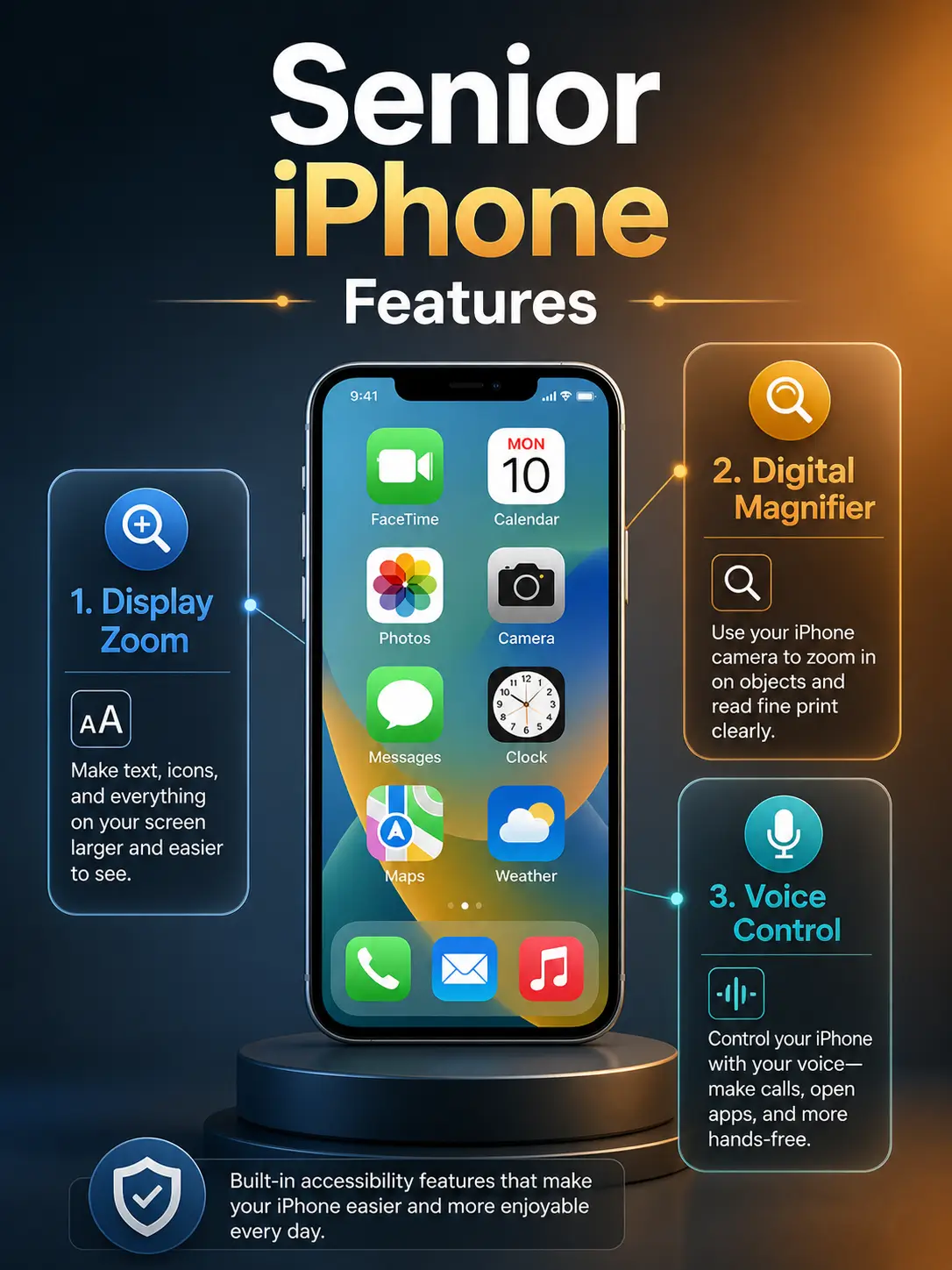
Essential iPhone Accessibility Features for Seniors
Modern iPhones come with tools that make the phone easier for older adults to use:
Assistive Access ("Senior Mode")
A simple interface with huge buttons and high-contrast text.
Magnifier
Turns the camera into a digital magnifying glass for reading menus or pill bottles.
Display Zoom
Bumps up text size across the whole phone.
Emergency SOS
Lets you call for help by holding the side buttons, even when the phone is locked.
Siri Voice Control
Say "Hey Siri, call my doctor" and it does the rest.
How to Apply: Step-by-Step
Gather Documents. Clear photos of your ID and your SSI or Medicaid award letter.
Check Eligibility. Visit the official National Verifier at lifelinesupport.org.
Choose a Provider. Compare providers by ZIP code and check whether the current offer is an Android phone, refurbished iPhone, SIM card, eSIM, or service-only plan.
Submit Proof. Most providers handle the final submission to USAC for you.
Activate. When the phone arrives, follow the instructions in the box to turn on your free service.
Recertify. You'll need to confirm your eligibility every 12 months to keep the benefit.
For a full walkthrough, see our how to apply for Lifeline guide.
Scam Warnings: Protecting Seniors
Older adults are a top target for phone fraud. Watch for these red flags:
- Fake Websites. Always make sure you're on lifelinesupport.org or a verified provider site.
- Pressure Tactics. Lifeline doesn't run limited time offers that need an instant decision.
- Activation Fees. A free iPhone through Lifeline should never need an upfront gift card payment.
- Social Security Requests. Real applications only ask for the last four digits of your SSN, never the full number over the phone.
Special Help for Senior Applicants
- USAC support line, 1-800-234-9473
- Eldercare Locator, 1-800-677-1116 (finds local Area Agencies on Aging)
- 211 helpline, dial 211 for local assistance programs
- Senior centers and public libraries often help seniors apply
Helpful Guides for Seniors
Use these guides to compare eligibility, provider options, and safer application steps before sharing personal information.
EBT or SNAP
If you receive food assistance, read our free iPhone with EBT guide.
Provider Comparison
Compare Lifeline providers before choosing a phone offer.
Android and 5G Options
If an iPhone is not available, compare free 5G government phones.
FAQs
Can a senior on Social Security retirement qualify?
Does Medicare qualify me for a free iPhone?
Can two seniors in the same house get two phones?
What if I live in a nursing home?
Are these iPhones brand new?
How can I get help if I don't use computers?
Are iPhones guaranteed for seniors?
What phone is best for seniors if no iPhone is available?
Does AARP give out free iPhones?
Final Advice for Seniors
Lifeline can help eligible seniors stay connected for calls, texts, telehealth, family contact, benefits, transportation, and emergencies. Medicaid, SSI, SNAP, income, housing assistance, or veterans benefits may help prove eligibility.
Do not apply base
Find a Provider Near You